

Case File & Inbox
beA Interface
No manual login, no separate beA interface: incoming documents automatically trigger the right workflow – and replies leave DEPLAW again directly via beA.
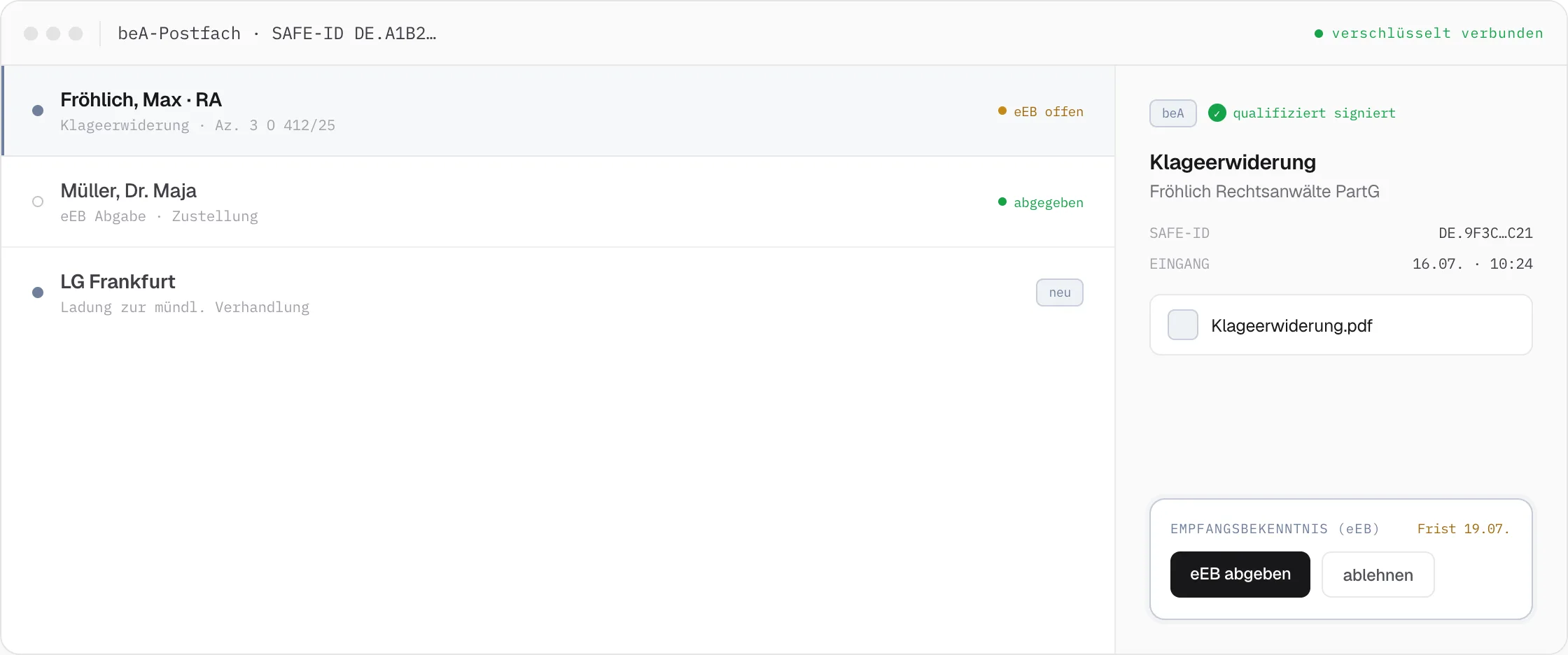
Many vendors talk about beA integration – and mean very different things by it. At DEPLAW, beA is fully integrated on a technical level: incoming and outgoing messages run through the same central inbox as email, fax, and mail, with the same automation rules across every channel.
The eEB Remains a Personal Obligation – Just Without the Detour via the beA Website
Under professional conduct rules, the eEB must still be submitted personally by the mailbox holder – DEPLAW doesn’t change that. What changes is the path to get there: the mailbox holder receives a targeted user task directly in DEPLAW and submits the eEB with a single click, without opening the beA website. The timestamp and delivery report are filed in the case automatically, and the workflow continues seamlessly.
01
Any Number of Mailboxes
Every attorney and entity in a law firm in one system – firm-wide, managed centrally, with no context switching.
Firm-wide · centrally managed
02
Central Inbox
beA, email, fax, and mail all run through the same central inbox – with the same automation rules across every channel.
beA · Email · Fax · Mail
03
AI-Based Classification
Incoming documents are automatically classified, summarized, and routed to the right workflow – before anyone opens the message.
Classification · summary · routing
04
Mass Batch Automation
Send hundreds of beA submissions in a single process step – as a workflow batch, fully automated, with an individual delivery log per case.
Workflow batch · individual log
Example · Objection via beA
An objection arrives via beA – and is answered fully automatically.
From the beA inbox to the sent reply, the same modeled workflow runs throughout: AI classifies the message, extracts the deadline and opposing party, drafts the reply from the template, and sends it back out via beA.
One inbox for every channel
One Dispatch, Many Cases
One workflow step. Hundreds of dispatches.
The same workflow batch sends hundreds of submissions via beA – each case with its own delivery report and timestamp in the case file.
Related Features
Pairs well with beA Interface.
Case File & Inbox
Inbox
Instead of separate systems per channel: beA, email, fax and the online case file all run through the same inbox – with the same automation for every message.
Case File & Inbox
Online Case File
Clients see their case in real time, submit documents, and sign powers of attorney via touchscreen – entirely in the browser, with no separate case portal needed.
Case File & Inbox
Case History & Input Management
Full-text search, AI tags, and automatic filing from every channel turn the case history into a seamless, instantly usable case chronicle.